Projector mode: how to cut sewing patterns without printing or taping pages
Printing an A4 tiled pattern, taping all 30 sheets together, then cutting them out is the biggest bottleneck in home and professional sewing. Projector mode skips that entire step by projecting the pattern directly onto the fabric.
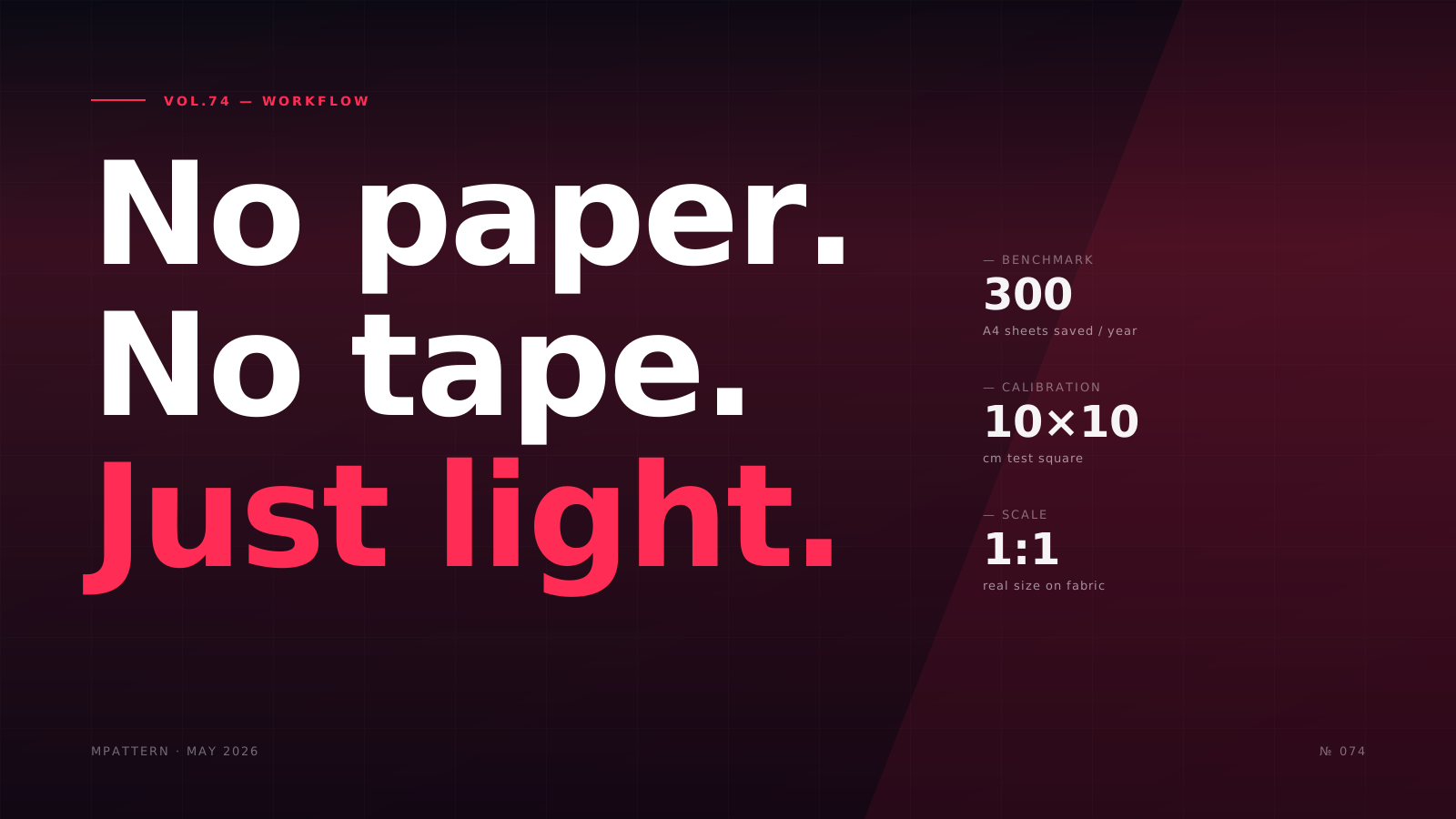
Anyone who sews at home knows the routine: you download an A4 tiled PDF pattern, print 30 sheets, tape them together trying to match the registration marks, cut everything out with scissors for an hour, and only then start cutting fabric. For the first project, it's fine. By the fifth, it's the part of the process every sewist hates.
Projector mode solves this bottleneck the most direct way possible: it eliminates the sheets. Instead, it projects the pattern at real size directly onto the fabric, calibrated to millimeter precision, and you cut following the line of light.
In this article we cover how it works technically, what you need to use it, how to calibrate it correctly, and where it fits in a professional workflow.
How it works
The idea is simple but requires precision: the pattern is rendered as vector SVG on the software screen (web or pattern-making app), and an overhead projector —typically a short-throw or ultra-short-throw mounted above the cutting table— projects that image downward onto the laid-out fabric.
The technical key is calibration. Without calibration, the projector would draw the pattern at an arbitrary scale: it could come out 7% larger, 3% rotated, with trapezoidal distortion. For the cut to be usable, the software draws a test square of known size (typically 10×10 cm or 25×25 cm) and the user verifies with a ruler that the projected square measures exactly 10 cm per side.
If it doesn't match, you adjust the projector's zoom or the software's scale factor until the square measures exactly what it should. Once calibrated, any loaded pattern projects at 1:1 scale.
Practical rule: calibration is static as long as the projector doesn't move. If you touch the projector or the table, recalibrate before cutting.
What you need
Minimum equipment for a professional overhead projection workflow:
- Projector with minimum 1080p resolution and throw ratio adequate to your cutting table. For a 150×100 cm table at 2 m height, a short-throw is enough (
$200-350). For larger tables, ultra-short-throw ($700-1,000). - Ceiling mount or rig over the table that keeps the projector perfectly overhead (perpendicular to the cutting plane). Any tilt introduces trapezoidal distortion.
- Stable cutting table with a light surface (white or very light gray ideal) so the projected lines contrast.
- Pattern-making software compatible with projector mode. The basic function: render the pattern at calibratable scale and allow changing the visible piece without closing the file.
- Printed calibration square (optional, some use a known-size tile or token).
Advantages over A4 tiled PDF
Projector mode isn't a tech gimmick. It changes three things that matter:
1. Time
Printing, taping, and cutting out a medium pattern (shirt, dress, jacket) takes 45 minutes to 2 hours. Calibrating the projector takes 30 seconds. Multiplied by the patterns you cut per year, the math is significant.
2. Paper
A 12-pattern collection per year equals roughly 300 A4 sheets. Projector mode brings that consumption to zero. For ateliers producing for different clients with individual measurements, the cumulative saving is huge.
3. Precision
A4 sheets taped together always have micro-errors at the joins: paper shifting when cutting, tape wrinkling, registration marks misaligned. A calibrated projection has none of those error sources.
When NOT to use projector mode
For technical honesty, it's not the answer for everything:
- Patterns you need to reuse many times on the same fabric. If you're cutting 50 units of the same pattern, a permanent cardboard template is still faster.
- Work outside your fixed cutting table. The projector is tied to its installation. If you do pattern making at clients' homes or in shared workshops, A4 PDFs remain the portable option.
- Very dark fabrics or busy prints. The projected line shows poorly on absolute black or on complex fabric patterns. In those cases, tracing first onto white fabric or using paper remains the solution.
Calibration step by step
For anyone considering setting this up in their workshop, this is the calibration flow we recommend:
- Place the fabric flat on the table. If the fabric tends to show projection unevenly, put a white sheet on top as initial reference.
- In the software, activate projector mode and load the test pattern (10×10 cm square).
- Adjust the projector's zoom until the projected square measures as close as possible to 10 cm.
- Refine with the software's scale slider (typically 0.5% precision) until the ruler reads exactly 100 mm.
- Verify with a second measurement at another point on the table: if the square measures 100 mm in the center but 102 mm at a corner, the projector isn't perfectly overhead. Readjust the tilt.
- Load the real pattern. Cut following the projected line.
The future
What's interesting about projector mode is that it scales well with the rest of the pattern-making digitization chain. If the pattern is generated parametrically from individual measurements (see our article on how a parametric engine works), validated with AI, and projected directly onto fabric, the full client → cut garment cycle can be a matter of hours, not days.
For made-to-measure ateliers and independent designers without industrial plotters who want to eliminate paper waste, projector mode is probably the most cost-effective technical upgrade of 2026.
MPattern includes projector mode in its Web plan with integrated calibration and a measurement tool to verify curves on the pattern without a tape measure.
Frequently asked questions
How long does it take to calibrate a projector for cutting sewing patterns?
Calibrating a projector for pattern cutting takes approximately 30 seconds once properly mounted. You load a test square (typically 10×10 cm), adjust the projector zoom and software scale slider until it measures exactly 10 cm with a ruler, then verify at multiple table points. Calibration remains valid until you move the projector or table.
What projector specs do I need for projecting sewing patterns onto fabric?
You need minimum 1080p resolution and appropriate throw ratio for your table size. For a 150×100 cm cutting table at 2-meter height, a short-throw projector costs $200-350. Larger tables require ultra-short-throw models ($700-1,000). A ceiling mount keeping the projector perfectly perpendicular is essential to avoid trapezoidal distortion.
Does projector mode work on dark or patterned fabric?
Projector mode performs poorly on absolute black fabrics or busy prints because the projected lines lack contrast. For these materials, trace the pattern onto white fabric first or use traditional paper patterns. The method works best on light-colored, solid fabrics where the projected lines remain clearly visible throughout cutting.
How much paper can I save using projector mode instead of A4 PDF patterns?
A typical medium garment pattern (shirt, dress, jacket) requires 30 A4 sheets that take 45 minutes to 2 hours to print, tape, and cut. A 12-pattern annual collection equals roughly 300 sheets. Projector mode eliminates this entirely, bringing paper consumption to zero while removing taping errors at sheet joins.
When should I still use paper patterns instead of projector mode?
Use paper or cardboard templates when cutting 50+ units of identical patterns, as permanent templates remain faster for high-volume repetition. Paper also works better for mobile pattern-making at clients' homes or shared workshops, since projectors require fixed installation. For reusable production runs, traditional methods still offer advantages.
With MPattern
Cut without printing — projector mode
Project the pattern directly onto fabric. Zero paper, zero taping, guaranteed 1:1 scale.
Try projector mode